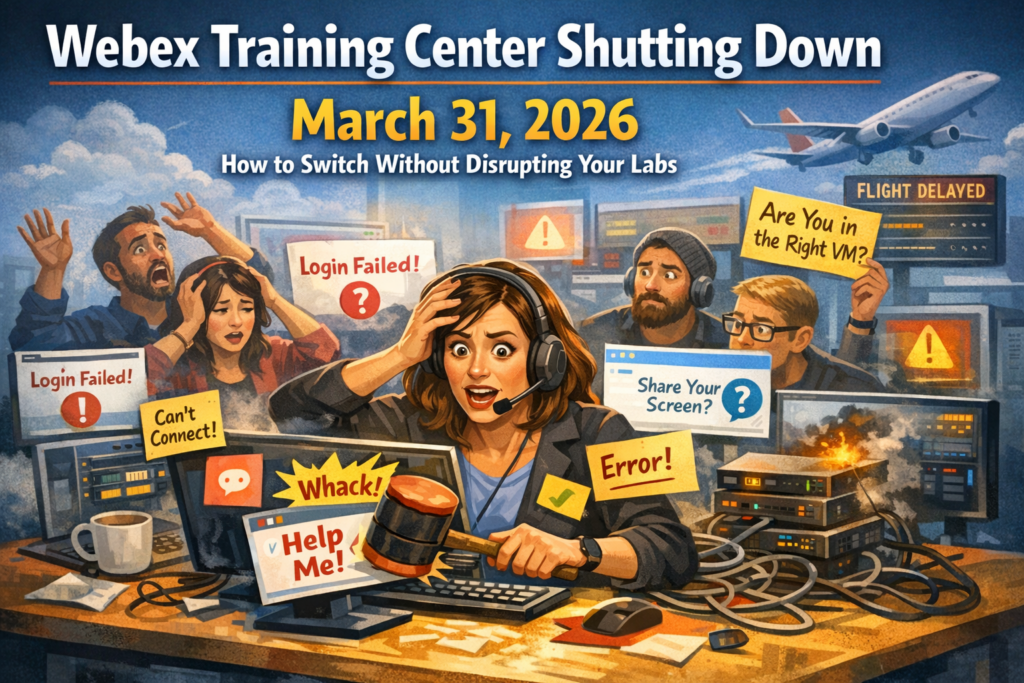
A quick story before we get tactical
A training manager I talked to once (let’s call her Jen) had a “perfect storm” Monday.
New cohort. Full class. Big customer watching. The lab environment was already fragile because it relied on too many moving parts, and everyone knew it. Jen had one goal: get through day one without the lab melting down.
First hour went fine. Then… the first student got stuck. Then three. Then eight. Then the chat started turning into the digital version of a crowded airport gate.
Jen did what every good instructor does. She tried to jump in and help. But the tooling wasn’t built for real training oversight. So it turned into a whack-a-mole situation, and she was stuck asking the classic questions:
“Are you seeing what I’m seeing?”
“Can you share your screen?”
“Wait, are you in the right VM?”
“Why can’t I connect to your environment?”
By lunch, she wasn’t teaching anymore. She was doing incident response.
If you’re reading this because Webex Training Center is ending and you’re responsible for hands-on labs, that story probably feels painfully familiar.
Now for the good news: you can switch off Webex Training Center without breaking your labs, without rebuilding everything, and without adding extra complexity.
And you can end up with something better than what you had before.
Webex Training Center is ending. What does that mean for hands-on training?
Webex Training Center has been a familiar piece of the puzzle for a lot of training teams, especially those running instructor-led technical training with labs.
But the end result of Webex going away is simple:
If you rely on Webex Training Center to keep classes running, you need a replacement plan now, because training programs hate last-minute surprises.
Multiple sources in the training and lab delivery space have reported March 31, 2026 as the key milestone to plan around.
So the real question becomes:
How do you replace Webex without disrupting labs?
Because for hands-on training, the labs are the class.
The platform is just the delivery layer. And the biggest mistake teams make during a migration is treating the delivery layer like it is “just video.”
It’s not.
Real training requires:
- predictable learner access
- instructor visibility
- lab control
- structured classroom flow
- and support that understands what a lab outage actually means on training day
The core problem with most migrations: labs get treated like an afterthought
When teams move off a legacy training platform, there’s a temptation to glue together tools:
- meeting tool for video
- separate system for labs
- separate system for scheduling
- separate workflow for support
- and a bunch of instructions that learners do not read
That’s where migrations get messy.
People don’t fail because they chose the wrong meeting platform.
They fail because training delivery is a system, and systems break when the handoffs multiply.
ReadyTech’s approach: keep your labs, upgrade the delivery
ReadyTech was built for instructor-led training with hands-on labs. The idea is straightforward:
Keep what already works. Improve what never quite did.
You can keep:
- your lab hardware and images
- your network and security setup
- your current training processes
Then ReadyTech adds:
- browser-based access (no installs, no plug-ins)
- instructor tools built for teaching, not meetings
- lab overview and control capabilities
- flexible pricing without long-term lock-in
- global support that understands training operations
Want more info? Check out switching from Webex Training Center to ReadyTech.
Option 1: In-House Labs (use your local classroom computers for virtual training)
If you already have classroom computers, on-prem servers, specialized hardware, license dongles, or lab machines that must stay inside your network, this is where In-House Labs shines.
In-House Labs turns your on-prem resources into virtual training labs so students can connect securely with just a browser, while instructors get lab overview and control.
This matters because it lets you:
- reduce cloud costs by reusing hardware you already own
- keep systems and data inside your network
- support complex setups that cloud environments struggle with
Examples that fit perfectly:
- regular classroom desktops
- GPU-optimized systems
- license dongle machines
- ESXi or Hyper-V environments
- USB or COM port dependent training rigs
- anything that needs access to internal network data sources
How In-House Labs works (simple version)
- Register systems in Axis using IP, MAC, or hostname
- Install SystemAgent on those systems
- Schedule events and assign system groups
- Students connect through HyperView in the browser, and HyperView gets removed automatically after
That last part is huge for security teams. Nothing “lingers” after the session.
Option 2: Virtual IT Labs when you want hosted, cloud, or hybrid flexibility
Not every org wants to run training purely on-prem. Sometimes you need hosted infrastructure, global reach, or a mix of cloud plus proprietary systems.
ReadyTech supports multiple lab paths, including:
- cloud provider labs via Axis (AWS, Azure, GCP)
- ReadyTech hosted cloud labs
- bare metal hardware labs
- custom labs for weird, proprietary, “how is this even wired” setups
Axis is especially useful if you’ve ever watched someone leave VMs running for days and then act shocked by the cloud bill.
Axis helps you schedule, pause, and tear down lab resources so you only pay for what you actually need, when you actually need it.
See Virtual IT Labs.
The missing piece with Webex: training tools that actually feel like training
A lot of platforms can do video.
That’s not the bar.
The bar is:
Can instructors run a structured class, keep learners moving, and help fast when things go sideways?
ReadyTech Virtual Classroom (built for instructors)
This is where things get fun, because the Virtual Classroom is built around real teaching workflows:
Communication & interaction
- public and private chat
- multiple audio modes, including request-to-mic
- round-robin introductions via video
- breakout groups
- whiteboards, annotations, polls
Classroom management
- presentation timeline to keep the class on schedule
- help request system to organize and respond to student questions
- attendance and engagement monitors
- recordings and follow-up lists
See Virtual Classroom for more information.
Lab Management and Lab Overview (the “oh thank god” screen)
This is the instructor’s command center.
You can:
- monitor student activity in real time
- see thumbnails of learner screens
- get inactivity alerts and completion signals
- jump into a lab to help without derailing the whole class
- transfer files, run commands, reboot, reset environments
- share screens in smaller groups
See Lab Overview for more information.
STEP: assessments, tasks, exams, surveys, reporting
If you want training to improve, you need feedback loops.
STEP gives you:
- surveys, quizzes, exams, polls
- certifications
- reporting
- pre-class surveys to understand student goals
- post-class exams to reinforce and track retention
Flexible pricing with no long-term contracts
One of the most annoying things about platform decisions is when pricing forces your hand.
You shouldn’t need a 12-month commitment just to keep a training program stable.
ReadyTech emphasizes flexibility:
- no long-term commitments
- no minimums
- no lock-in
This is especially helpful if you’re:
- scaling programs up and down
- running seasonal training cohorts
- supporting partner training networks
- or doing a mix of instructor-led and self-paced delivery
“Ok, but does it actually work in real training ops?”
This is where the customer quotes hit hard because they’re not “marketing fluffy.” They’re training people describing training pain.
- “Support gets back to my emails in minutes and the chat support is less than a minute. The UI is intuitive and it’s not hard to create classes. I also love the lab manager.”
Joseph Kambourakis, Curriculum Development - “Very easy to learn and use with a wide variety of features that can augment our training program. Our previous training environment required hours to set up a training class, ReadyTech takes minutes.”
Derek McClinton - “It does everything I need it to. The ability to have VMs that a client can use with only a web browser is incredible. The tools available to monitor student machines, transfer files, etc. are all great.”
Robbie Lanoue, Professional Services Consultant - “Flexibility: ReadyTech allows us to scale our instructor-led class sizes from just a few students to dozens… and if there are no-shows, we can release the unused lab environments.”
Tim K, Senior Technical Instructor
Those are the exact outcomes teams want when Webex is going away:
- fast setup
- real oversight
- browser-based access
- scaling without chaos
- responsive support
Switching off Webex in 3 steps
If you want the clean plan:
- Plan: review your setup, training flow, and access needs
- Try it free: validate access and instructor controls using your existing lab environment
- Launch: onboard instructors and go live with guided support
Would you like to see a demo?
Want to try a free trial?
Switching from Webex Training Center FAQ
No. ReadyTech is designed to work with your existing lab hardware, images, and network setup.
No. Students can access labs and classrooms through a browser without plug-ins or installs.
Yes. Instructors can monitor student activity and step in when needed using Lab Overview and Lab Management tools.
In many cases, no. ReadyTech supports browser-based connectivity designed to reduce firewall friction and avoid exposing systems to the open internet.
ReadyTech supports security-first approaches, including keeping systems and data within your network for In-House Labs and using secure HTTPS connections.
ReadyTech offers flexible pricing without long-term commitments or lock-in.
24/7 global support with live experts who understand training delivery operations, plus onboarding and instructor enablement.