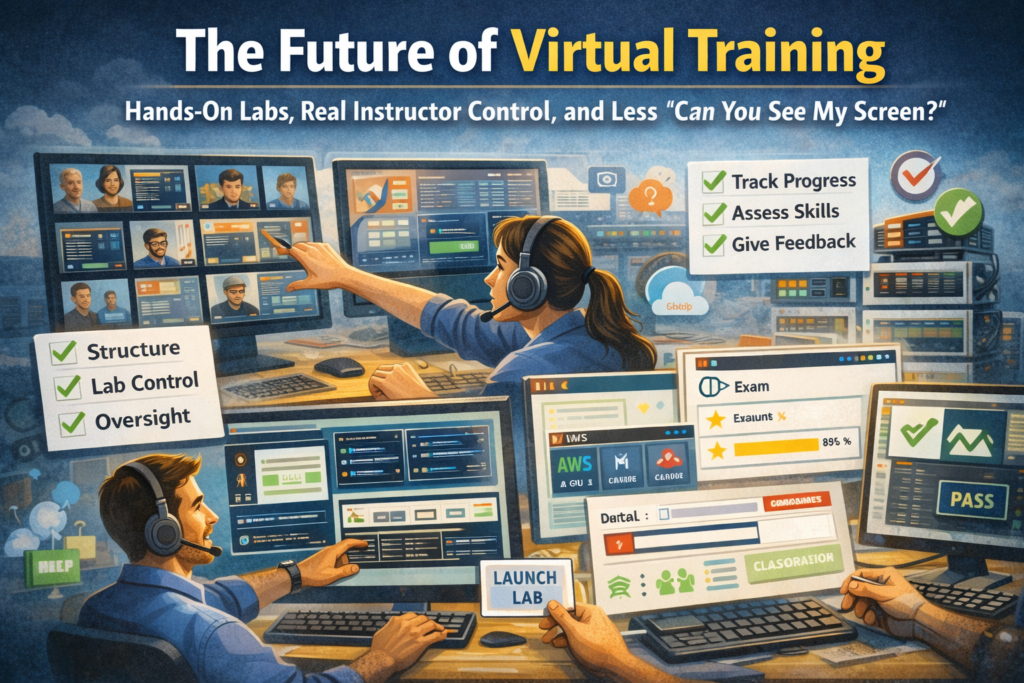
The moment training gets real
A few years ago, an instructor I talked to described a scene that felt way too familiar.
It’s Monday morning. Class is full. The deck is loaded. The lab guide is polished. Everyone’s ready. Then, five minutes in, the same thing starts happening in the chat:
- “My lab won’t load.”
- “I clicked the link and it just spins.”
- “I’m in, but it’s asking me to install something.”
- “Can you see my screen?”
- “Wait. Which screen?”
And the instructor does what every good instructor does. They go into hero mode. They start triaging. They open private chats. They share screens. They try to keep momentum while solving 20 tiny problems that all feel urgent because they are.
Here’s the thing. That instructor wasn’t struggling because they weren’t prepared. They were struggling because the training setup didn’t give them what they needed: visibility, control, and a reliable lab experience that works for every learner, every time.
That’s the direction virtual training is moving. Not toward fancier video calls. Toward training experiences that actually behave like training.
The future is not “virtual meetings with a slide deck”
Virtual training is evolving fast, but the biggest shift is simple:
Training is becoming more operational.
Meaning:
- You need to know what learners are doing in real time.
- You need tools to keep class flow structured.
- You need labs that load the same way every time.
- You need a way to support self-paced and blended learning without losing your mind or your budget.
Generic meeting tools are fine for meetings. Training has different physics.
Training needs:
- Real oversight
- Repeatable lab delivery
- A clean workflow for help and interventions
- Controls that keep classes moving forward
- Visibility into progress, not just attendance
This is where purpose-built platforms like ReadyTech Virtual Instructor-Led Training step in. They’re designed around what instructors and training operations teams actually do all day.
See Virtual Classroom for more information.
Hands-on labs are becoming non-negotiable
The modern learner expects hands-on practice, not just theory. And in IT training, enablement, engineering education, and customer training, hands-on labs are the difference between “I watched it” and “I can do it.”
The future of virtual training is built on labs that:
- launch quickly
- are accessible anywhere
- don’t require learners to install mystery plug-ins
- don’t require IT to punch holes in firewalls
- don’t fall apart when the class size grows
- give instructors real-time visibility and control
That last part is huge.
Because a lab isn’t just a resource. In training, a lab is a classroom.
See Virtual IT Labs for more information.
The future belongs to instructor control, not instructor guesswork
In traditional in-person labs, instructors can walk the room and instantly see:
- who’s stuck
- who’s cruising
- who’s off on a totally different screen
Virtual training has to recreate that. Without forcing instructors to babysit 30 separate screens in chaos.
This is exactly why lab overview and control matters.
A training platform should let instructors:
- monitor student thumbnails live
- see activity at a glance
- get alerts when someone goes inactive or finishes early
- step into a lab to assist without derailing the rest of the class
- transfer files or run scripts when needed
- reset labs with a click
- support learners fast, without turning class into a support ticket queue
That’s not “extra.” That’s the core of modern training delivery.
See Lab Overview for more information.
Why in-house and on-prem labs are making a comeback
Here’s a fun twist: as virtual training gets more mature, a lot of organizations are realizing they already have a powerful lab environment. It’s sitting in their classroom, their data center, or their secure network.
Instead of rebuilding everything somewhere else, they’re asking:
“Can we use what we already have, and just make it work better for virtual training?”
That’s where In-House Labs shines.
With In-House Labs, organizations can turn on-premise compute resources into virtual training labs, so learners can connect securely with just a browser, while instructors keep full oversight and control.
It’s especially helpful when you’re dealing with:
- classroom computers
- specialized hardware like GPU systems
- license dongles
- ESXi or Hyper-V VM environments
- USB or COM-connected devices
- systems that must stay inside your network for compliance
You keep systems and data within your network, reduce costs, and still deliver a high-quality hands-on experience.
See In-House Labs for more information.
The future is blended: instructor-led plus self-paced, without doubling effort
One of the clearest trends in training right now is blended delivery.
Learners want:
- a structured instructor-led experience for core concepts
- time to practice before and after class
- the flexibility to revisit labs on their own schedule
Training teams want:
- fewer setup cycles
- predictable cost control
- consistent lab environments
- the ability to run instructor-led and on-demand labs without building two totally separate programs
This is exactly why platforms like Axis matter when labs live in cloud providers like AWS, Azure, or Google Cloud.
Axis makes it possible to:
- schedule labs to start when needed
- pause or terminate resources when not needed
- reduce cloud waste from “VMs left running forever”
- give training staff a training-friendly interface instead of raw cloud console complexity
- support on-demand labs while still controlling cost
Read more about our Axis solution for Virtual IT Labs.
Better training is not just access. It’s feedback, assessment, and follow-through
The future of virtual training isn’t just “get learners into the lab.”
It’s also:
- measuring progress
- validating skill acquisition
- collecting feedback at the right moments
- proving outcomes to stakeholders
That’s why modern platforms need built-in evaluation and engagement tools.
ReadyTech’s STEP supports:
- surveys
- tasks
- exams
- polls
- certifications
- reporting
It’s the difference between “We ran the training” and “We can show what changed.”
A quick reality check: support is part of the platform
If your training runs globally, support cannot be “business hours.”
The future of virtual training includes:
- 24/7 live support
- guided onboarding
- people who understand training operations, not just generic IT scripts
Because in training, a failure at 9:03 AM means you lose the room. It’s not just an inconvenience. It’s a momentum killer.
Read all about our 24/7 live human support.
What organizations should do now
If you’re planning your training program for 2026 and beyond, here’s the best move:
1) Decide what kind of labs you really need
- In-house or on-prem labs?
- Cloud-based labs?
- A mix?
- Specialized hardware or compliance constraints?
2) Choose a platform that supports multiple lab models
The future is flexible. Your platform should be too.
3) Prioritize instructor oversight and learner experience
If instructors can’t see what’s happening, they’re forced into “guess and react” mode.
4) Build for scalability and cost control
Especially if you want blended learning and on-demand access.
5) Run a pilot
Start small, validate access and workflows, then scale.
If you want to see how hands-on training can run smoothly with browser-based access, real instructor control, and flexible options for labs, start here:
Talk to us to find the best lab setup for you.
Virtual Labs FAQ
Lorem ipsum dolor sit amet, consectetur adipiscing elit. Ut elit tellus, luctus nec ullamcorper mattis, pulvinar dapibus leo.
Hands-on labs turn knowledge into skill. They let learners practice real workflows and build confidence instead of only watching demos.
Yes. In-house lab approaches can turn local classroom computers, servers, or specialized systems into browser-accessible training labs while keeping systems and data inside your network.
In many training setups, no. Modern training platforms can provide secure, browser-based access without requiring learners to install clients or rely on VPN, RDP, or VNC.
A lab overview feature can show live thumbnails, activity status, help requests, inactivity alerts, and allow instructors to step into labs or reset environments without disrupting the entire class.
Platforms that schedule and manage labs can provide on-demand access outside class hours, while keeping controls in place to prevent runaway cloud costs or inconsistent lab environments.
Look for instructor oversight, lab management, scheduling, browser-based access, engagement tools, assessment options, and reliable support.
Not necessarily. ReadyTech however values flexible pricing and no long term contracts for customers.